IconButton
An icon button is a round button with an icon in the middle that reacts to touches by filling with color (ink).
Icon buttons are commonly used in the toolbars, but they can be used in many other places as well.
Examples
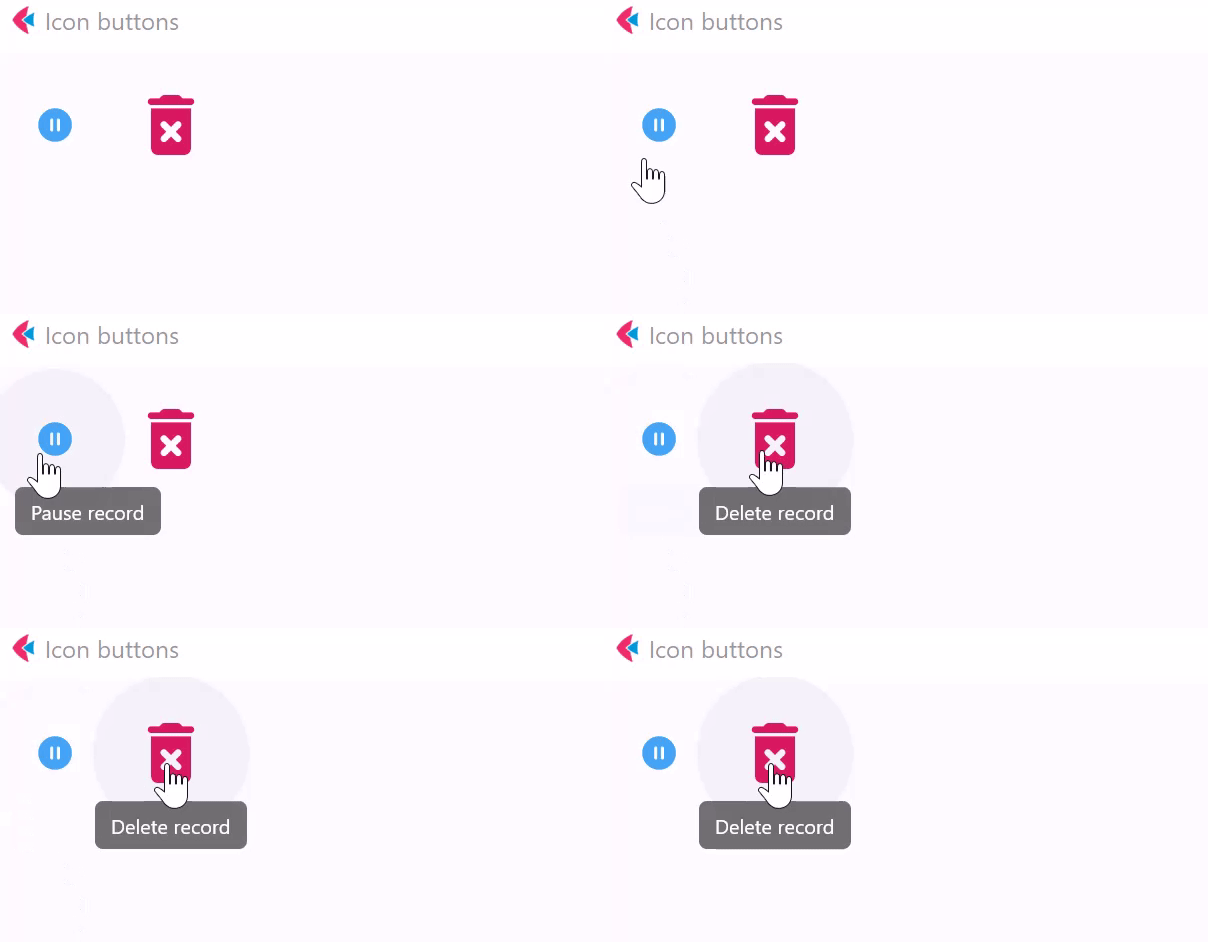
Icon buttons
- Python
import flet as ft


def main(page: ft.Page):
    page.title = "Icon buttons"
    page.add(
        ft.Row(
            [
                ft.IconButton(
                    icon=ft.icons.PAUSE_CIRCLE_FILLED_ROUNDED,
                    icon_color="blue400",
                    icon_size=20,
                    tooltip="Pause record",
                ),
                ft.IconButton(
                    icon=ft.icons.DELETE_FOREVER_ROUNDED,
                    icon_color="pink600",
                    icon_size=40,
                    tooltip="Delete record",
                ),
            ]
        ),
    )


ft.app(target=main)
Icon button with click event
- Python
import flet as ft


def main(page: ft.Page):
    page.title = "Icon button with 'click' event"

    def button_clicked(e):
        b.data += 1
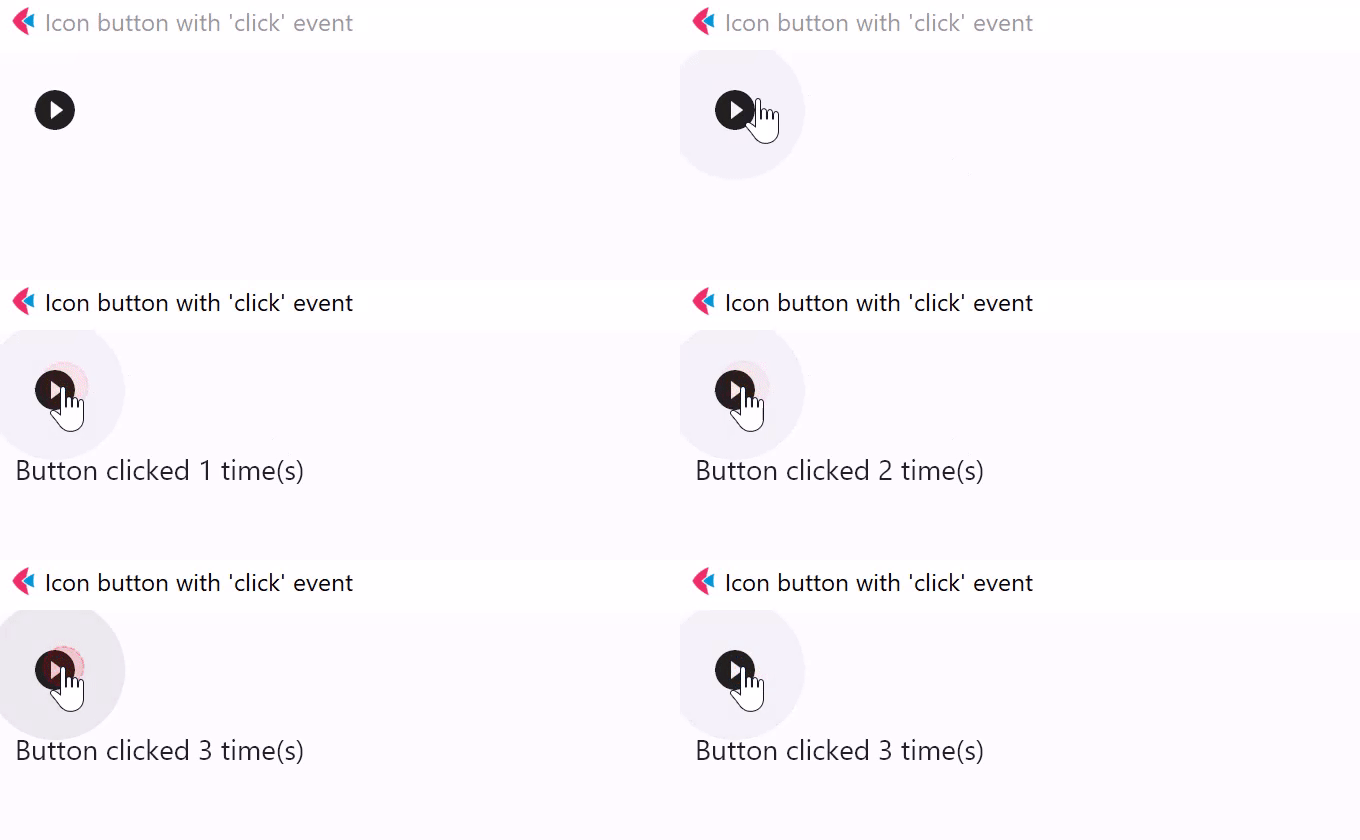
        t.value = f"Button clicked {b.data} time(s)"
        page.update()

    b = ft.IconButton(
        icon=ft.icons.PLAY_CIRCLE_FILL_OUTLINED, on_click=button_clicked, data=0
    )
    t = ft.Text()

    page.add(b, t)

ft.app(target=main)
Properties
autofocus
True if the control will be selected as the initial focus. If there is more than one control on a page with autofocus set, then the first one added to the page will get focus.
content
A Control representing custom button content.
icon
Icon shown in the button.
icon_color
Icon color.
icon_size
Icon size in virtual pixels.
selected
Turns icon button to a toggle button: True - the button is in selected state, False - in normal.
selected_icon
Icon shown in the button in selected state.
selected_icon_color
Icon color for the selected state.
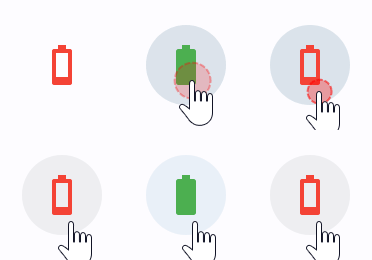
En example of icon toggle button:
import flet as ft

def main(page: ft.Page):

    def toggle_icon_button(e):
        e.control.selected = not e.control.selected
        e.control.update()

    page.add(
        ft.IconButton(
            icon=ft.icons.BATTERY_1_BAR,
            selected_icon=ft.icons.BATTERY_FULL,
            on_click=toggle_icon_button,
            selected=False,
            style=ft.ButtonStyle(color={"selected": ft.colors.GREEN, "": ft.colors.RED}),
        )
    )

ft.app(target=main)
style
See ElevatedButton.style for more information about this property.
tooltip
The text displayed when hovering the mouse over the button.
url
The URL to open when the button is clicked. If registered, on_click event is fired after that.
url_target
Where to open URL in the web mode:
_blank(default) - new tab/window._self- the current tab/window.
Methods
focus()
Moves focus to a button.
Events
on_blur
Fires when the control has lost focus.
on_click
Fires when a user clicks the button.
on_focus
Fires when the control has received focus.