GridView
A scrollable, 2D array of controls.
GridView is very effective for large lists (thousands of items). Prefer it over wrapping Column or Row for smooth scrolling. See Flet Icons Browser for GridView usage example.
Examples
Photo gallery
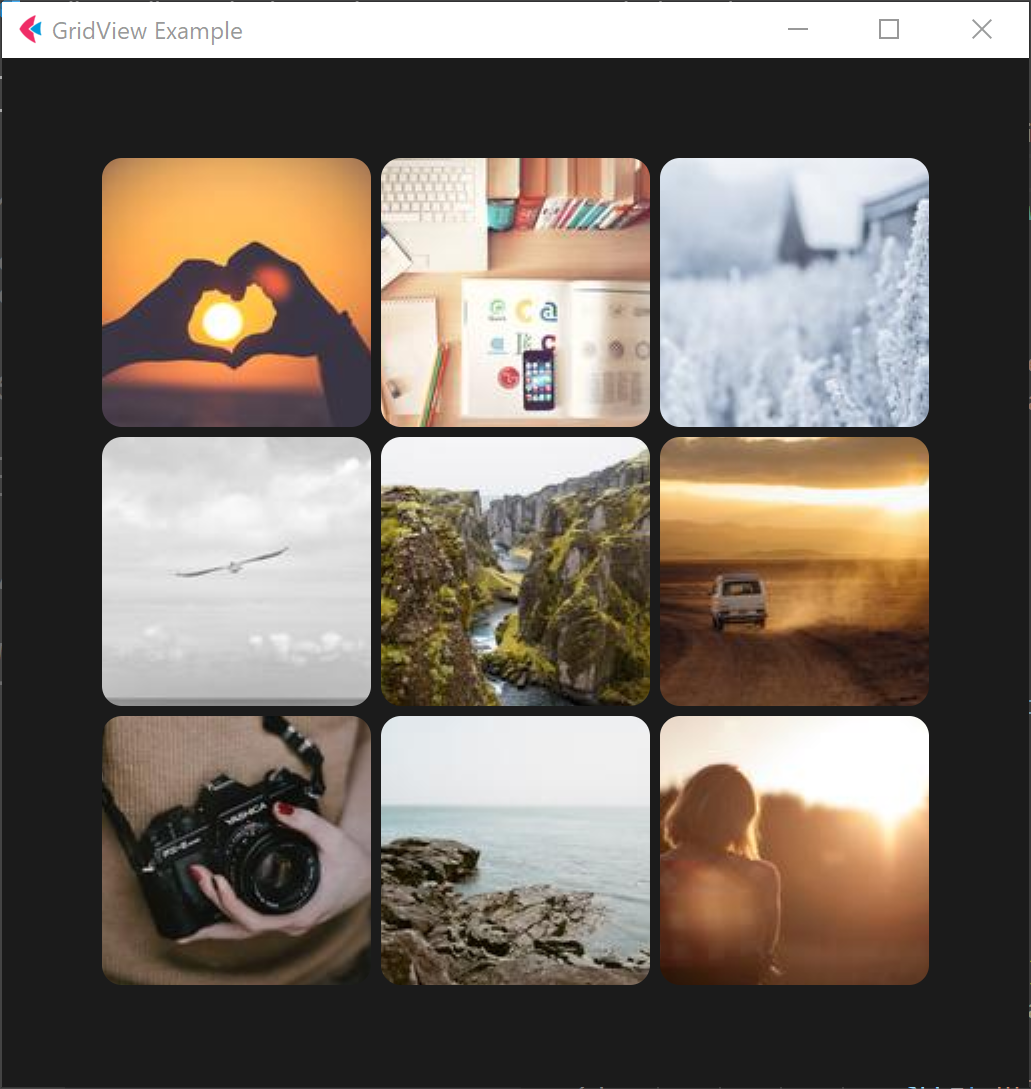
- Python
import flet as ft

def main(page: ft.Page):
    page.title = "GridView Example"
    page.theme_mode = ft.ThemeMode.DARK
    page.padding = 50
    page.update()

    images = ft.GridView(
        expand=1,
        runs_count=5,
        max_extent=150,
        child_aspect_ratio=1.0,
        spacing=5,
        run_spacing=5,
    )

    page.add(images)

    for i in range(0, 60):
        images.controls.append(
            ft.Image(
                src=f"https://picsum.photos/150/150?{i}",
                fit=ft.ImageFit.NONE,
                repeat=ft.ImageRepeat.NO_REPEAT,
                border_radius=ft.border_radius.all(10),
            )
        )
    page.update()

ft.app(target=main, view=ft.WEB_BROWSER)
Properties
auto_scroll
True if scrollbar should automatically move its position to the end when children updated. Must be False for scroll_to() method to work.
child_aspect_ratio
The ratio of the cross-axis to the main-axis extent of each child.
controls
A list of Controls to display inside GridView.
horizontal
True to layout GridView items horizontally.
max_extent
The maximum width or height of the grid item.
on_scroll_interval
Throttling in milliseconds for on_scroll event. Default is 10.
padding
The amount of space by which to inset the children.
See Container.padding property for more information and possible values.
run_spacing
The number of logical pixels between each child along the cross axis.
runs_count
The number of children in the cross axis.
spacing
The number of logical pixels between each child along the main axis.
Methods
scroll_to(offset, delta, key, duration, curve)
Moves scroll position to either absolute offset, relative delta or jump to the control with specified key.
See Column.scroll_to() for method details and examples.
Events
on_scroll
Fires when scroll position is changed by a user.
See Column.on_scroll for event details and examples.